What are Billing Terms in Tabs?
Last updated: August 24, 2026
Summary / Introduction
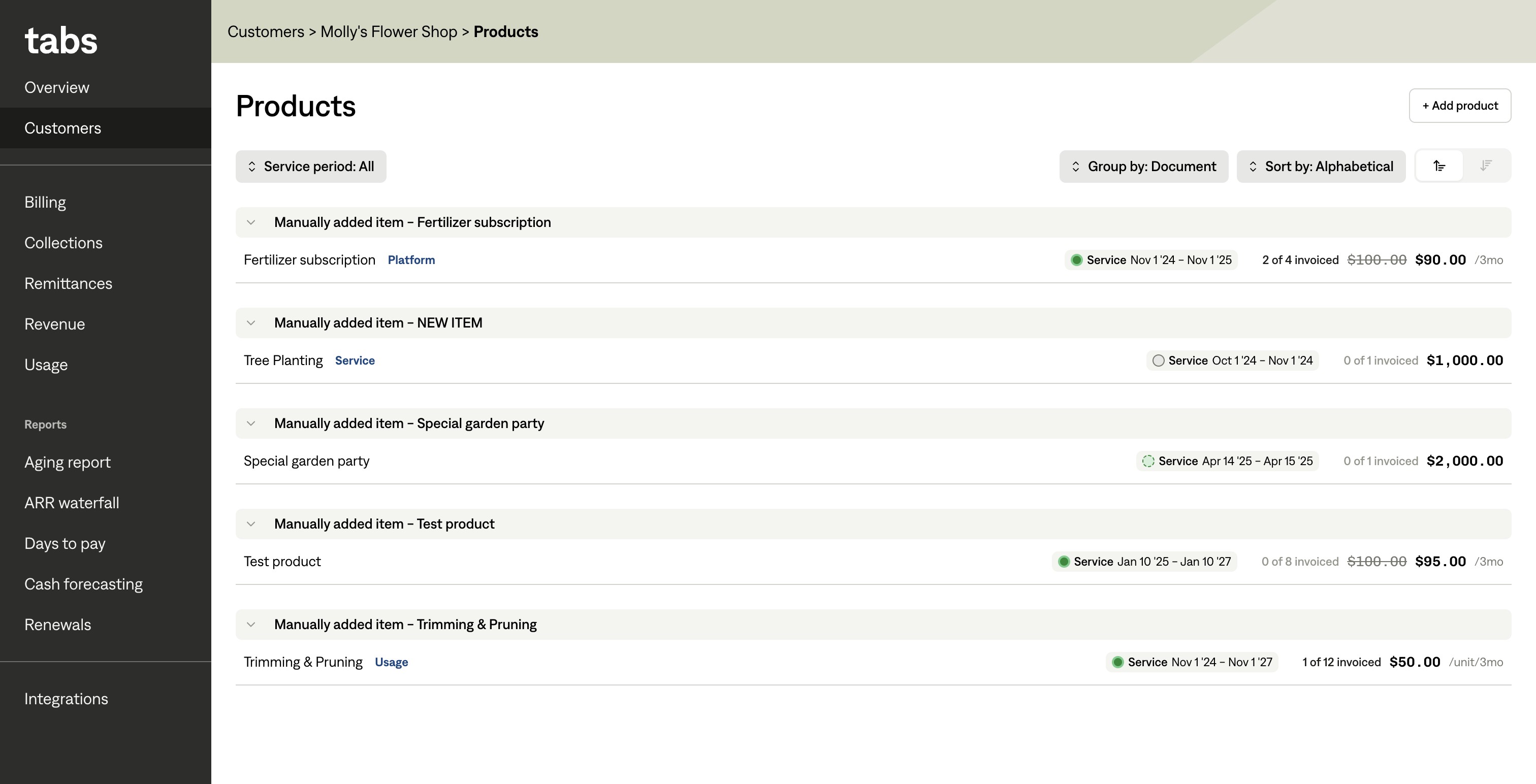
The Billing Terms list represents all products or services that you've contracted to bill a customer for. You can see your Billing Terms list by navigating a customer profile and selecting Billing Terms.
This view replaces the old Items & Pricing view. Whereas Items & Pricing required separate management of a billing schedule and revenue schedule, the Billing Terms view brings them together and includes a visualization of the timings of the two schedules in relation to each other.
Things to know
You can filter your Billing Terms by service period. Upcoming represents Billing Terms or services that have yet to begin, Active represents Billing Terms you're currently delivering service for, and Complete represents Billing Terms you've already fulfilled service obligations for.
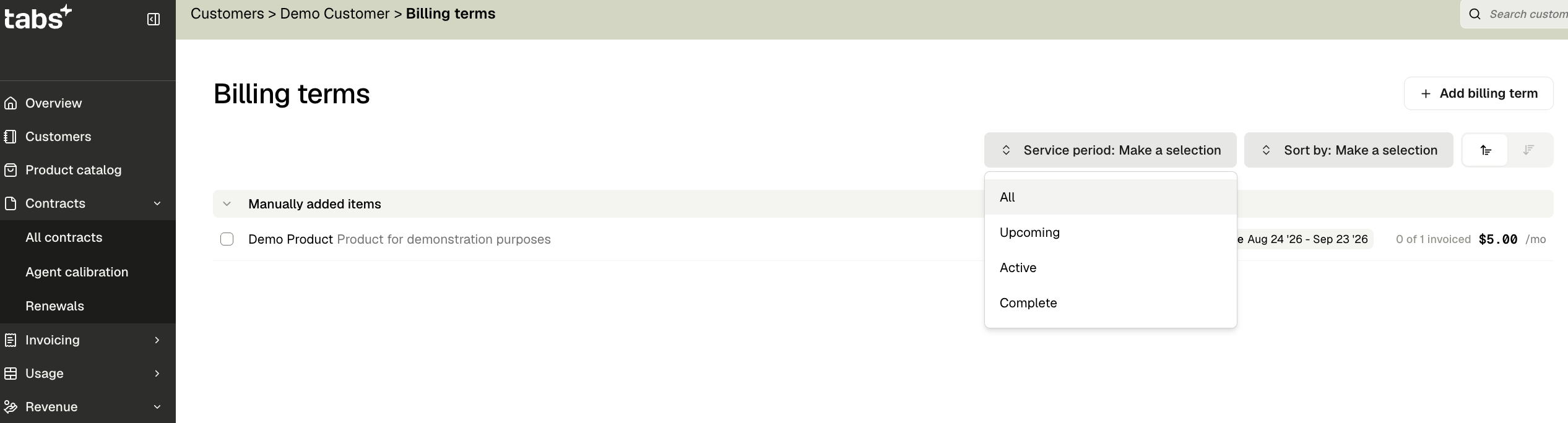
You can also group your Billing Terms by category or by document. Grouping by categories helps you understand which aspects of your business you're providing service for. Grouping by document is an easy way to see which Billing Terms belong to which contracts.