How does the Billing Schedule work?
Last updated: August 24, 2026
Background
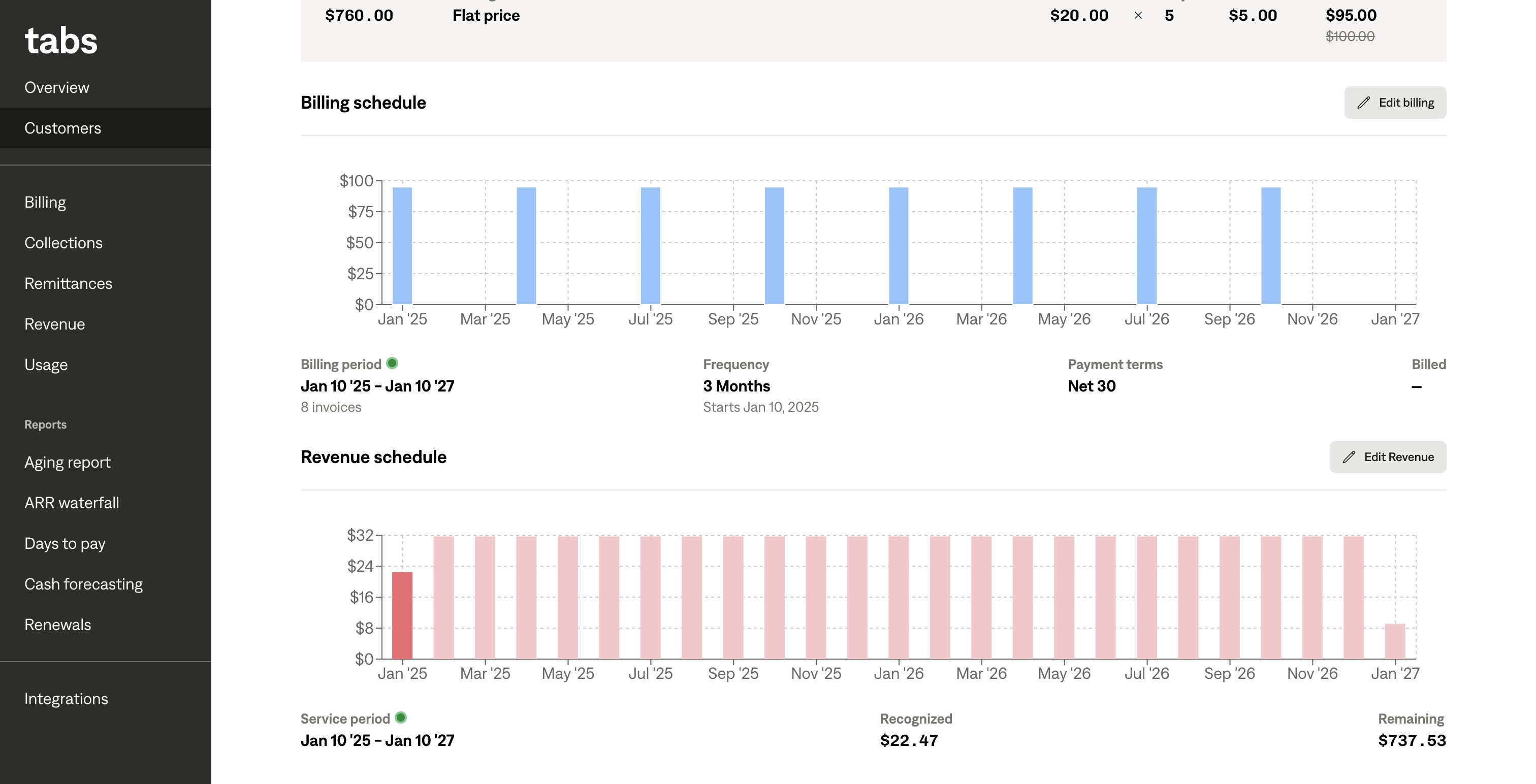
In the Billing Schedule section of a Billing Term Details page, you can see a chart of invoices that this Billing Term appears on, and its corresponding value.
Things to note
When hovering over each bar, you can see the status and value of the Billing Term on each invoice. A darker blue Billing Term represents a billed invoice. A lighter blue bar represents a draft, unsent invoice.
Below the chart, you can see the date range that the invoices will be sent over, and whether or not you're in that period indicated by a small green indicator. In addition, you can see the frequency of billing, the payment terms, and how much you've already billed for.