How do I delete a contract?
Last updated: August 24, 2026
Tabs Supports deleting contracts in 2 distinct workflows:
From the Customer level.
From the Documents view.
Deleting a contract will also delete all associated Billing Terms linked to that contract.
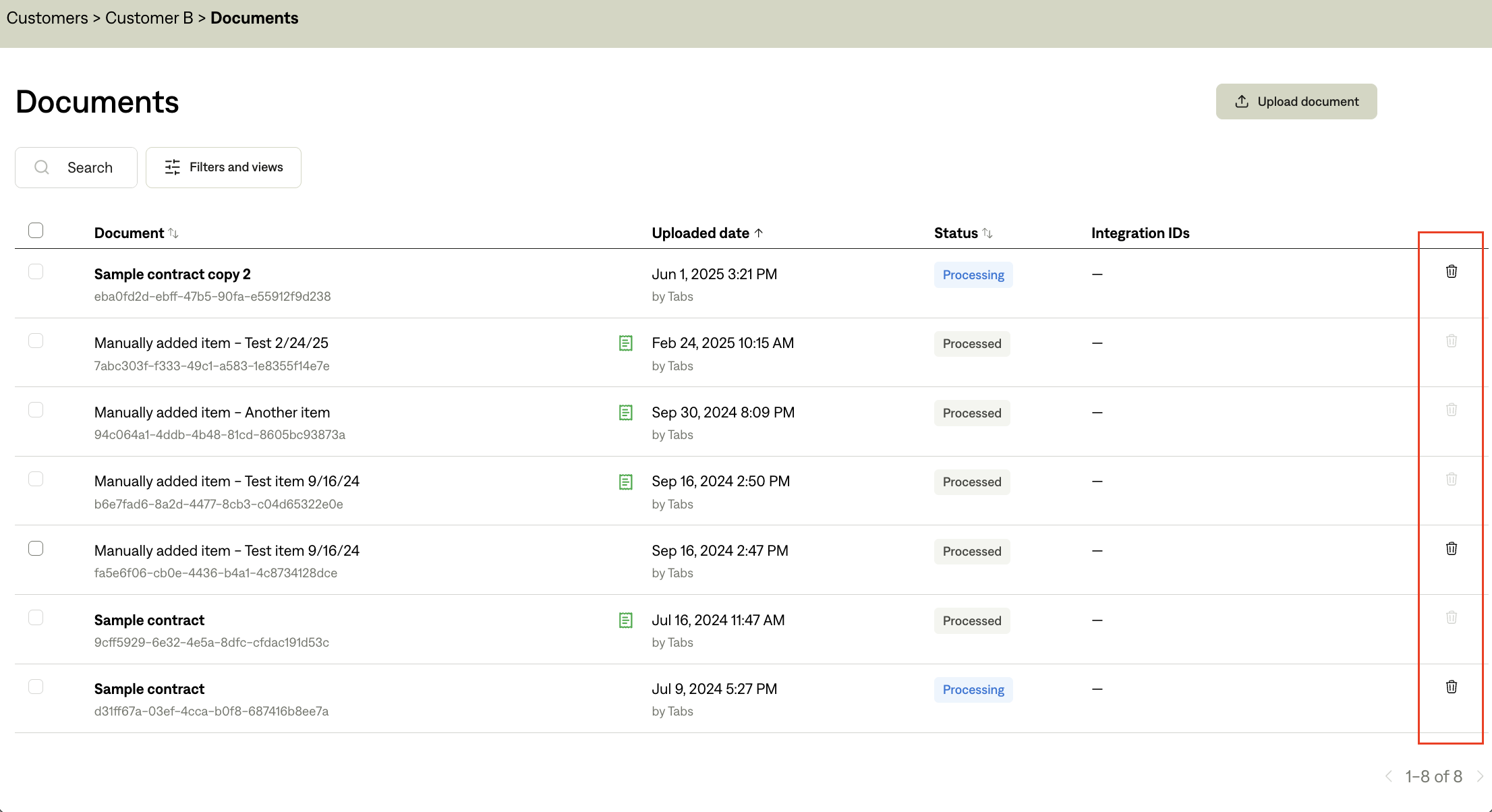
Delete a contract at the customer level
Navigate to the individual Customer page (e.g., “Customer B”).
Click the Documents tab.
Click the trash can icon next to the contract you want to delete.
Delete a contract from the Documents view
Navigate to the Customer page.
Click View and upload files in the blue box at the top right.
Click the trash can icon next to the contract you want to delete.
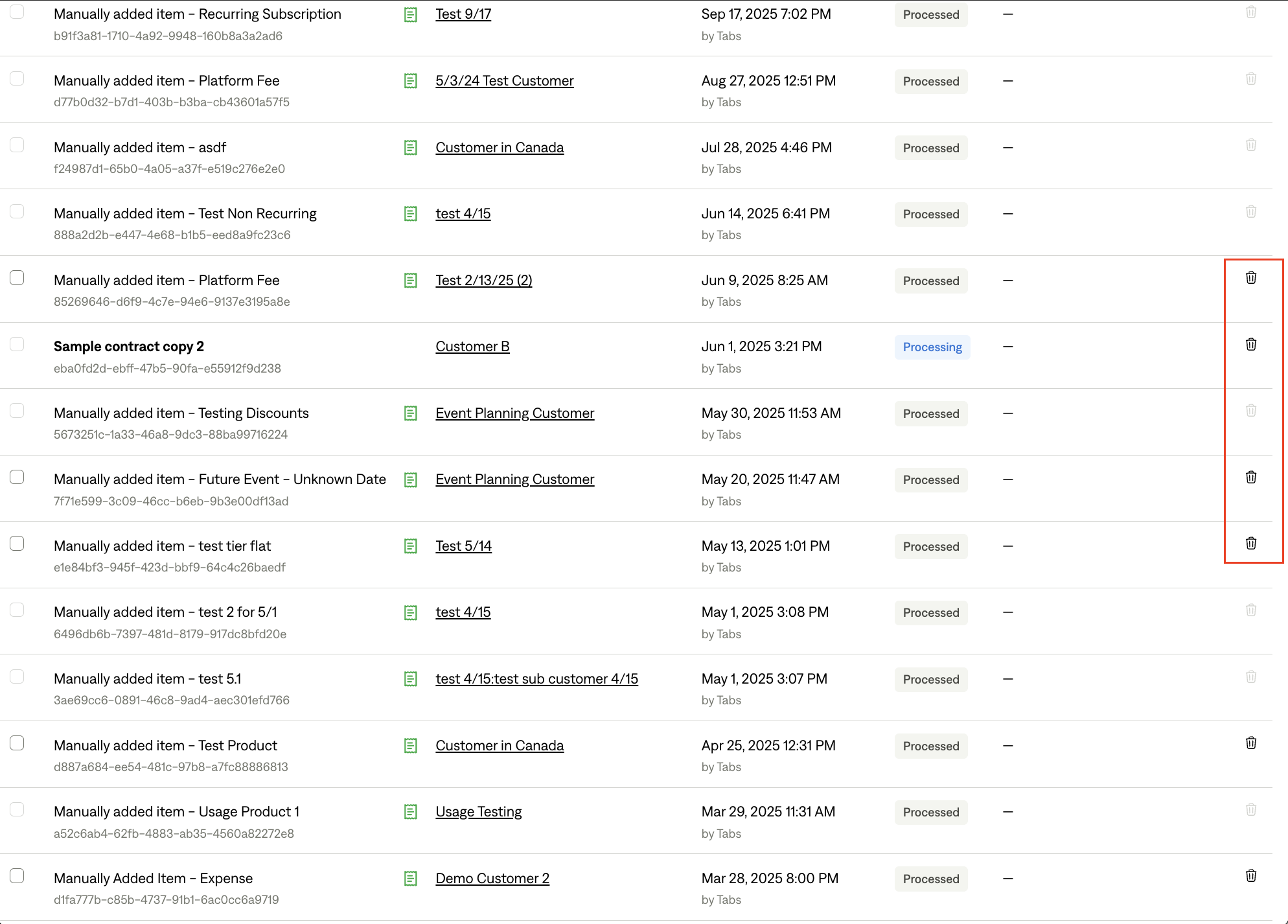
You cannot delete a contract if an invoice has been sent from any of the associated Billing Terms on that contract – you can only delete a contract if all the invoices are in DRAFT.