Turning off Auto-Matching in QuickBooks Online
Last updated: February 21, 2025
Summary
Turning off auto-matching in QBO is a prerequisite for accurate cash application native in Tabs.
Step-by-Step
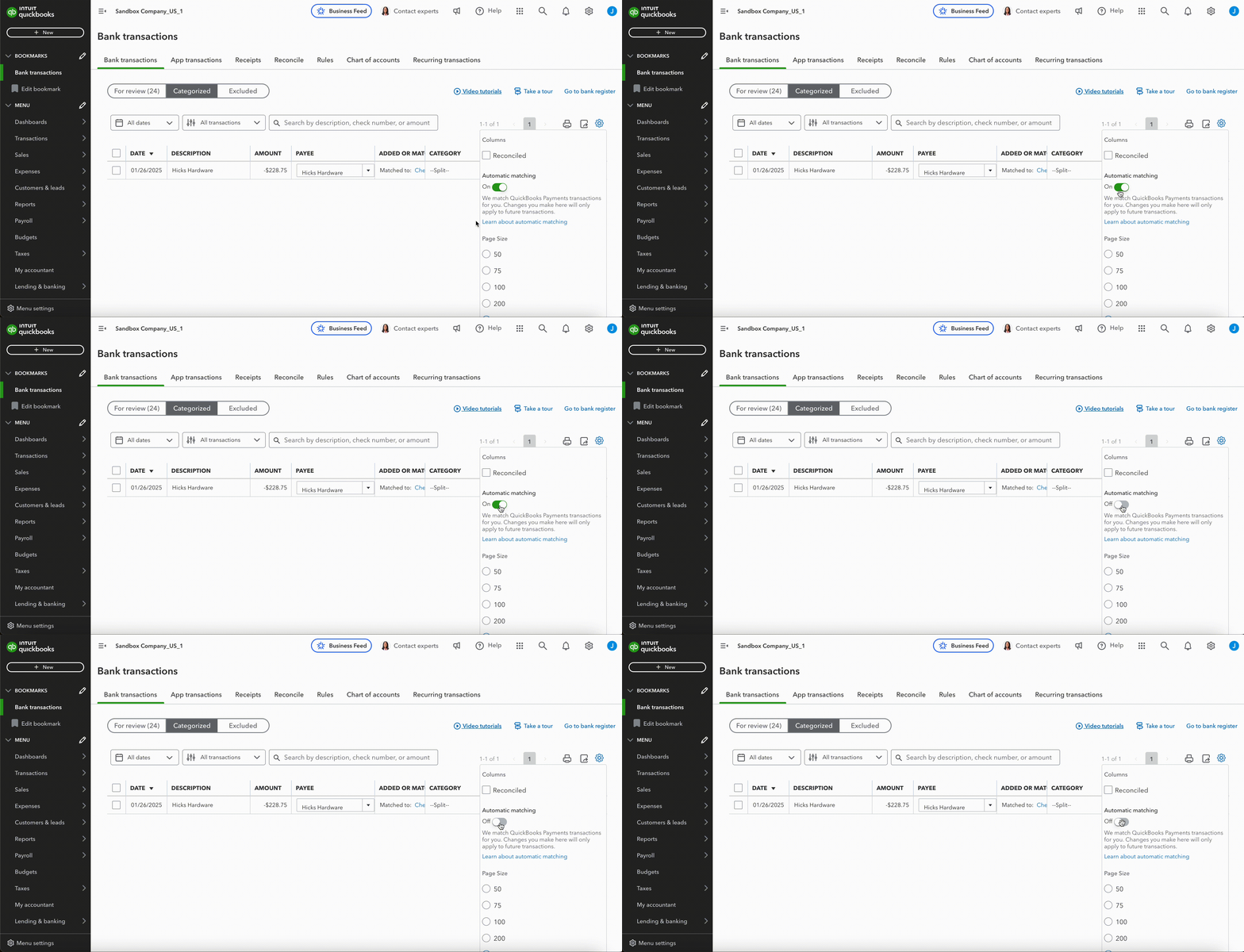
To turn off automatic matching in QuickBooks Online, you can do the following:
Go to Transactions
Select Bank transactions
Select the Categorized or Reviewed tab
Select Settings at the top of the transaction list
Select Automatic matching to turn it Off