How do I integrate Anrok with Tabs?
Last updated: August 20, 2026
Summary
To integrate Tabs with Anrok, you will need to generate an API key in Anrok. Once the key is generated, you will can enter it into the Anrok integration section in Tabs.
Generate your API key in Anrok
1. Navigate to the Anrok homepage.
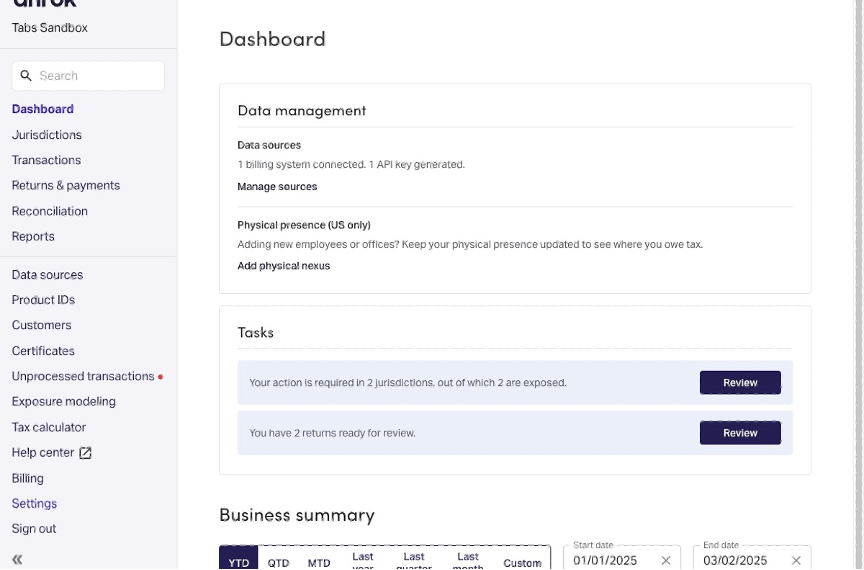
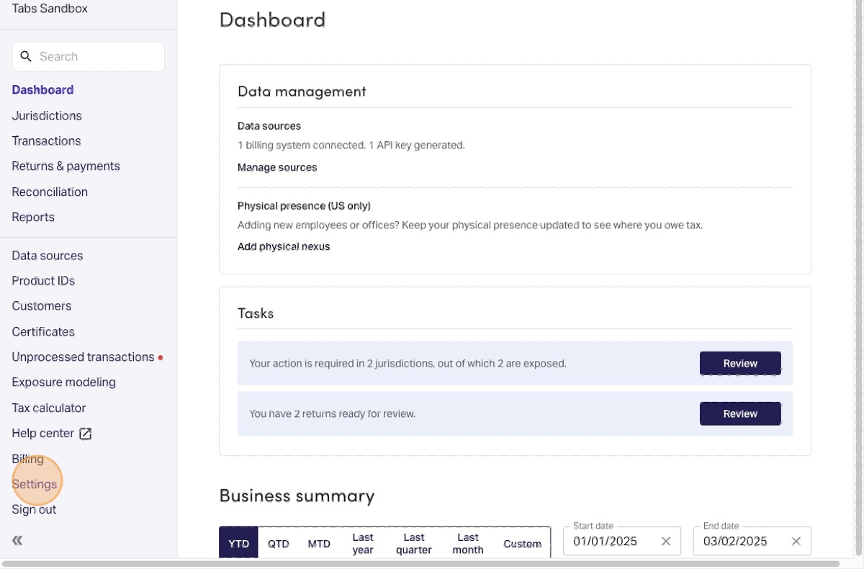
2. Select "Settings" from the side navigation menu.
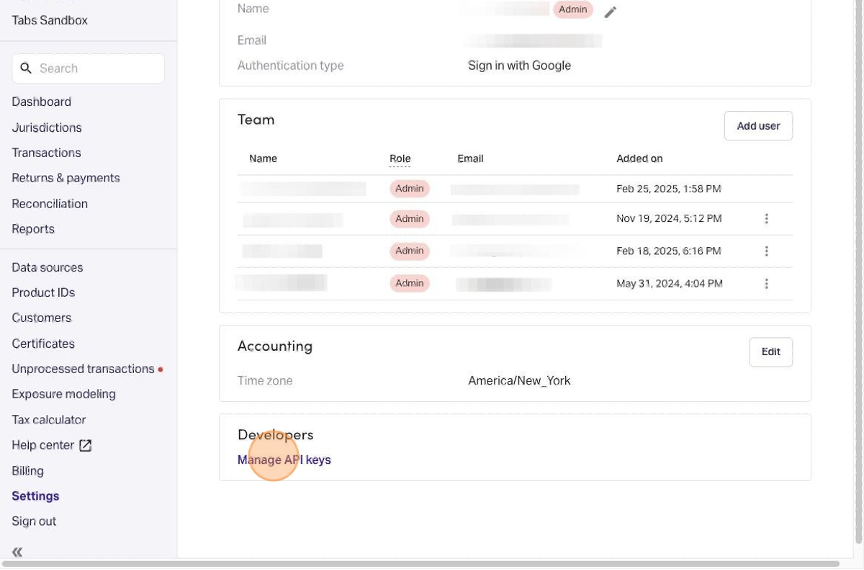
3. Select "Manage API keys".
4. Select "New key".
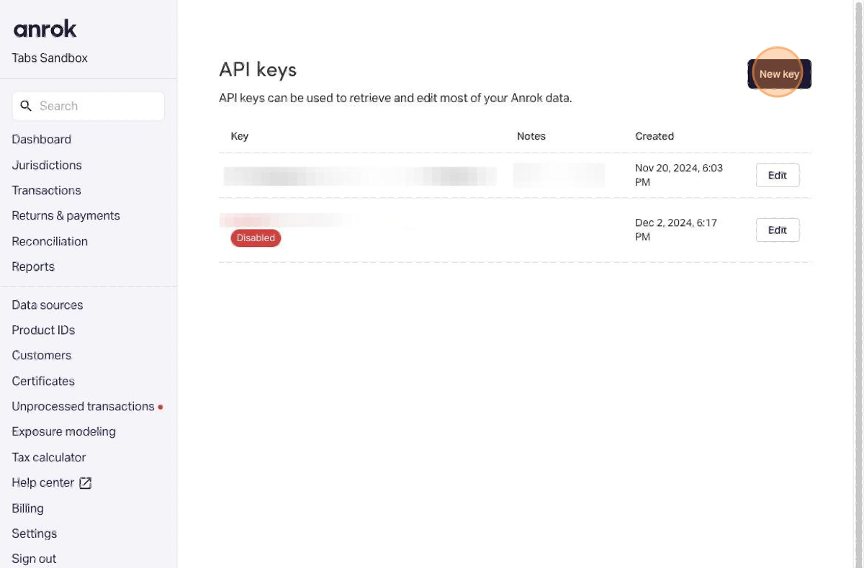
5. Type a description that with signify this key is being used for Tabs, such as "Tabs integration".
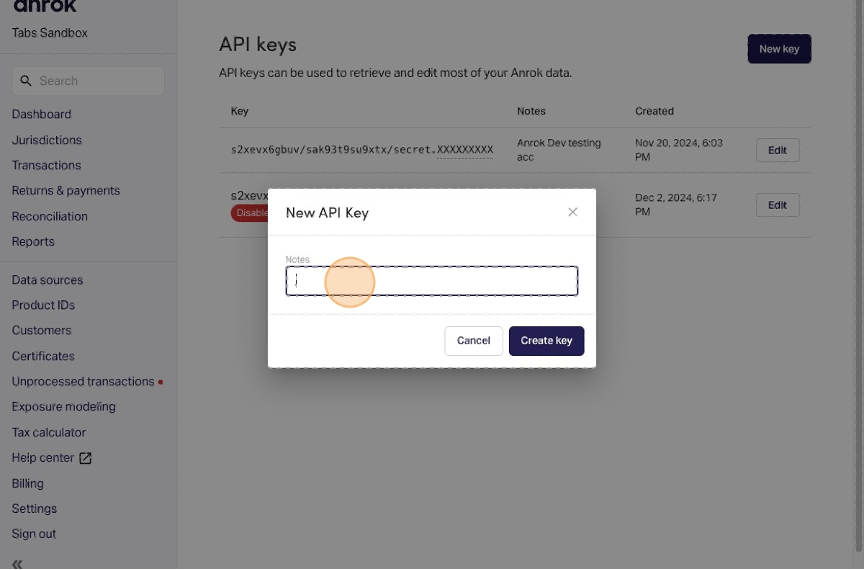
6. Click "Create key".
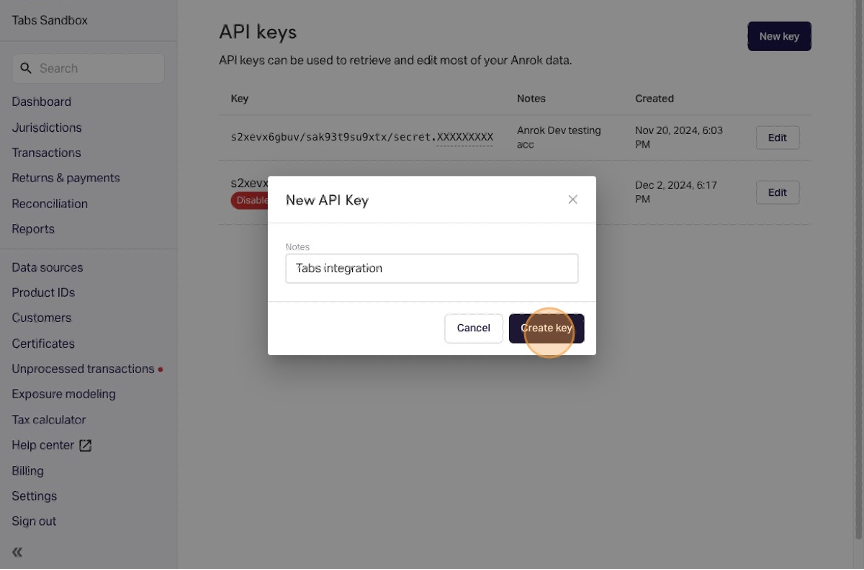
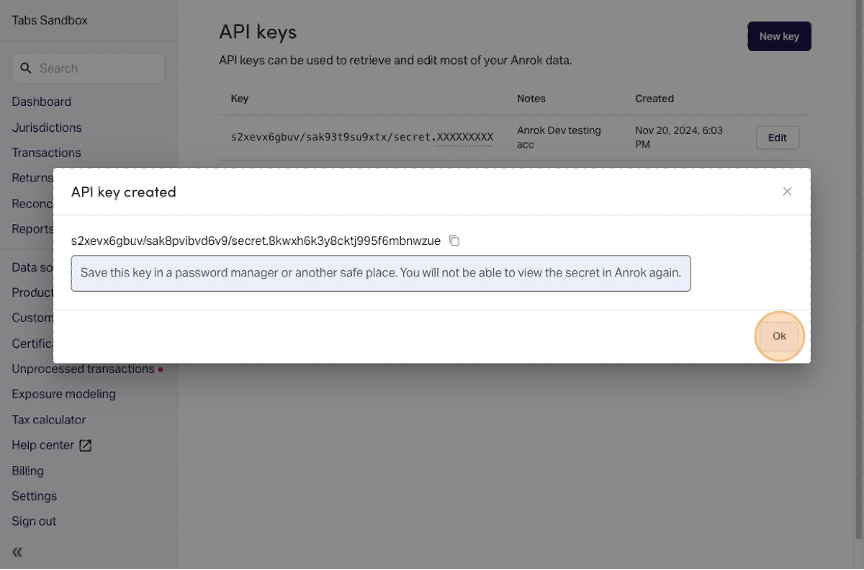
7. Click the "copy" icon so the key is copied to your clipboard.
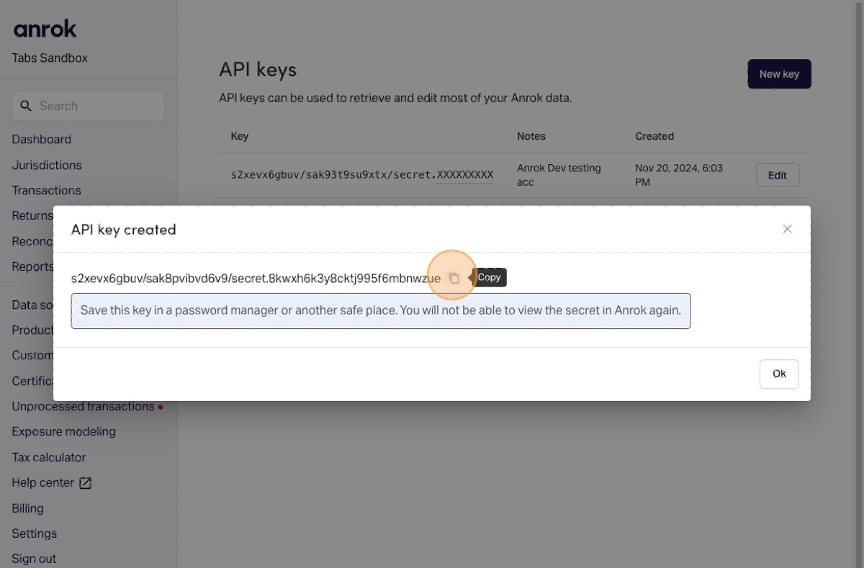
TIP: When generating your API key in Anrok, be sure to save it somewhere else other than Tabs for safekeeping, such as a password vault, because you might not be able to access it again.
8. Click "Ok".
Integrate with Tabs
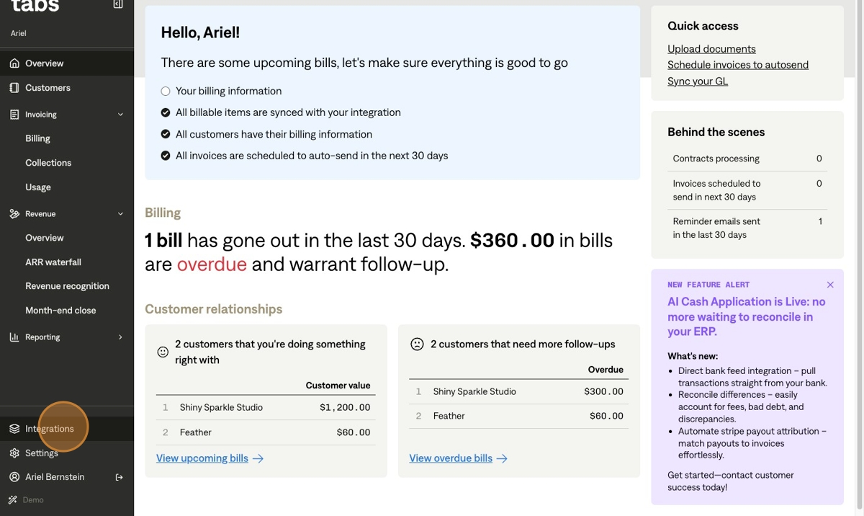
1. In Tabs, navigate to the Integrations page from the side navigation menu.
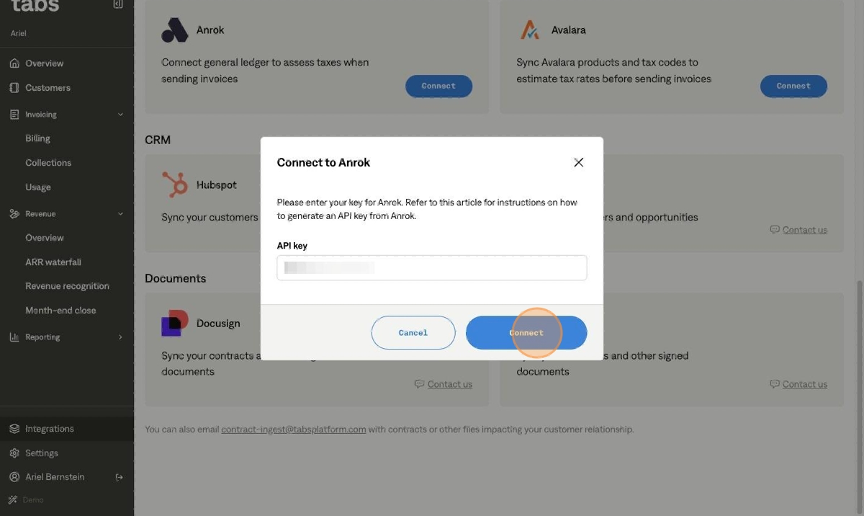
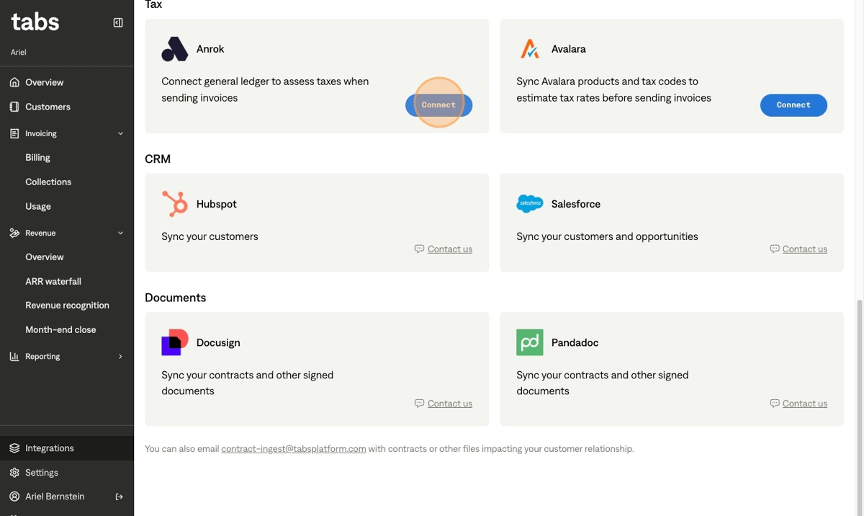
2. Scroll down to the Tax section of the page, and click "Connect" in the Anrok tile.
3. Enter the API key generated in the steps above.
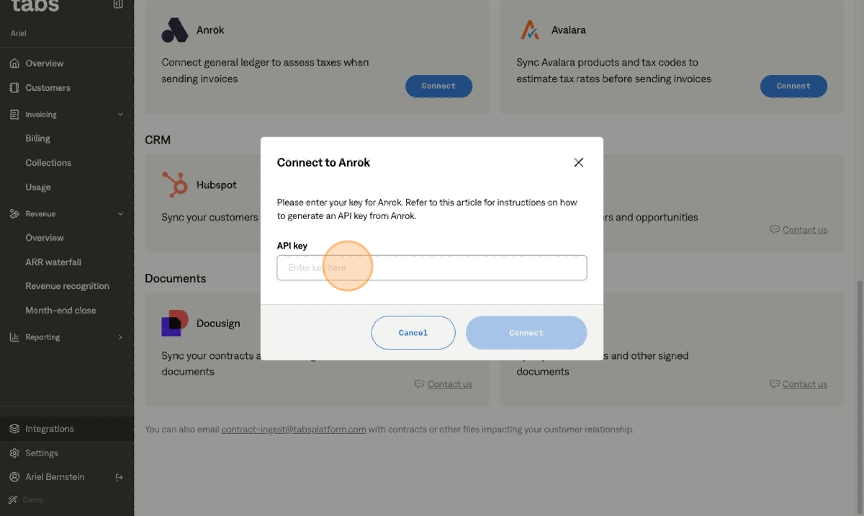
4. Click "Connect".