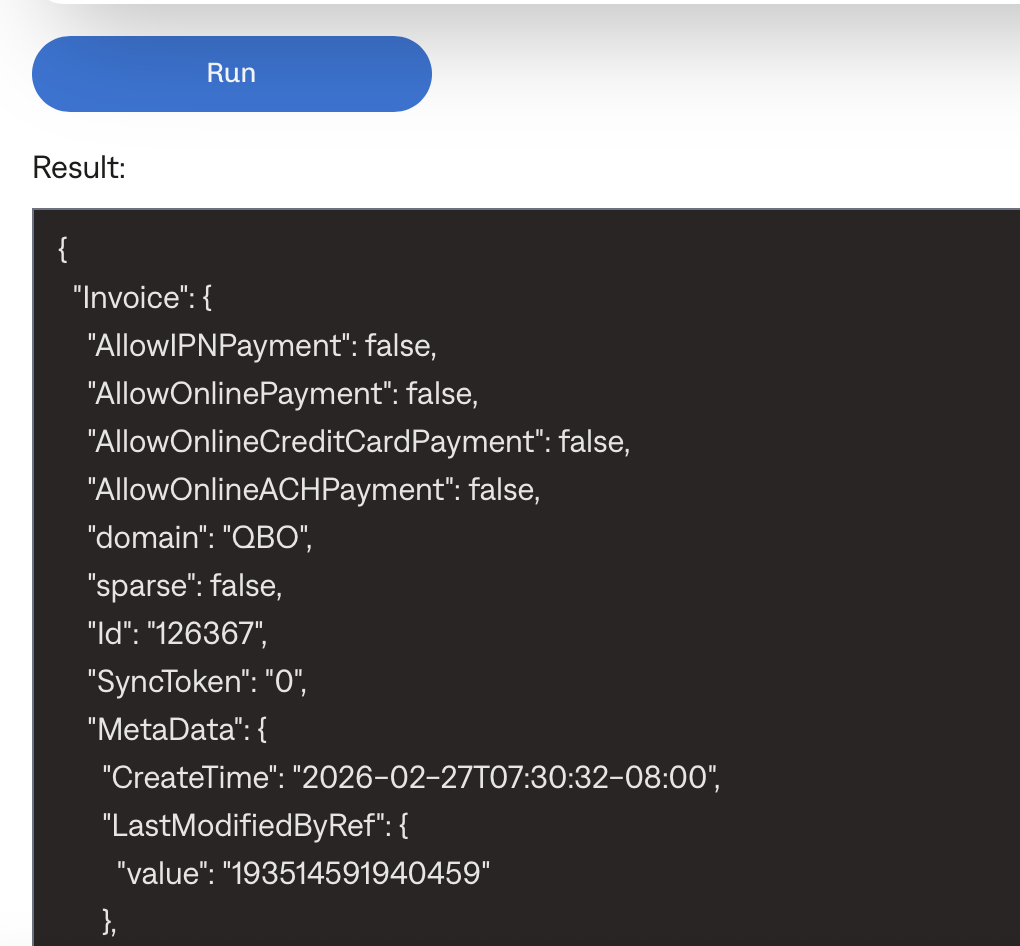
An invoice sent successfully, but did not push to QBO
Last updated: February 27, 2026
If you are certain the invoice successfully sent but did not generate a Quickbooks invoice record, you can use the "Push to QBO" Garage secret to push the invoice through.
How can I be sure the invoice sent?
there's no error in the #urgent-prod-invoice-sending-failures channel or elsewhere in Slack such as #prod-slack-dev-alerts
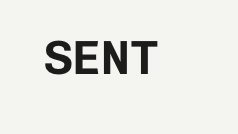
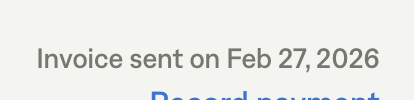
the Tabs app UI says "Sent" and a sent date
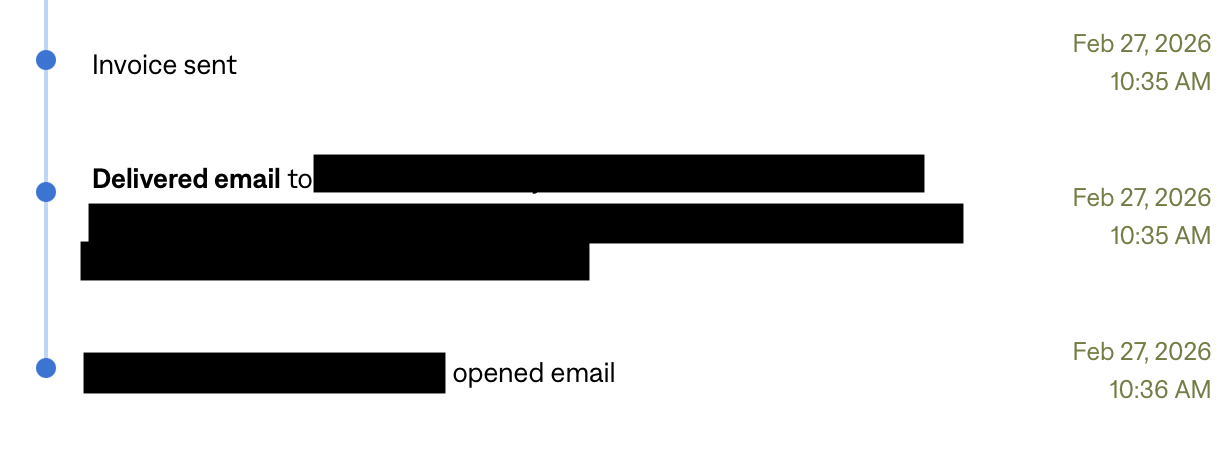
perhaps the activity log also shows the invoice delivered, or was even opened by a recipient)
How can I tell the invoice didn't push to QBO?
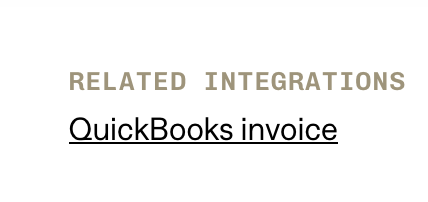
If the invoice successfully pushed to QBO, the "Related Integrations" field at the bottom of the invoice should be populated with a clickable link to the QBO invoice.
If the invoice successfully sent but the "Related Integrations" field is still blank, then you can use a Garage secret to manually push the invoice.
Garage "Push to QBO" secret
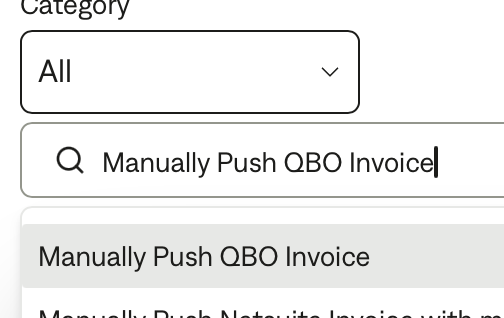
In Garage, search for "Manually Push QBO Invoice"
You will need the merchant ID and the invoice ID
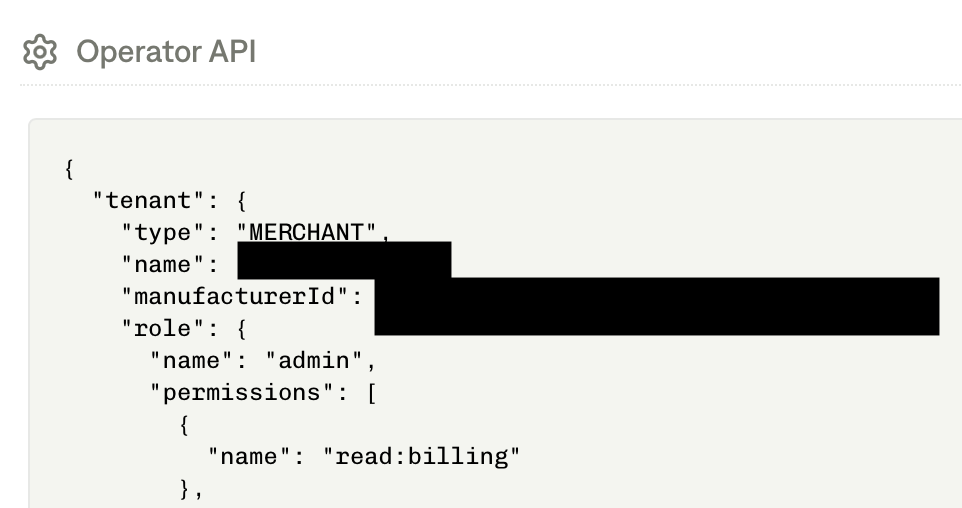
You can get the merchant ID from the Tabs app by clicking the wand icon in the bottom left corner, and then scrolling to the Operator API section to find the "manufacturerId"

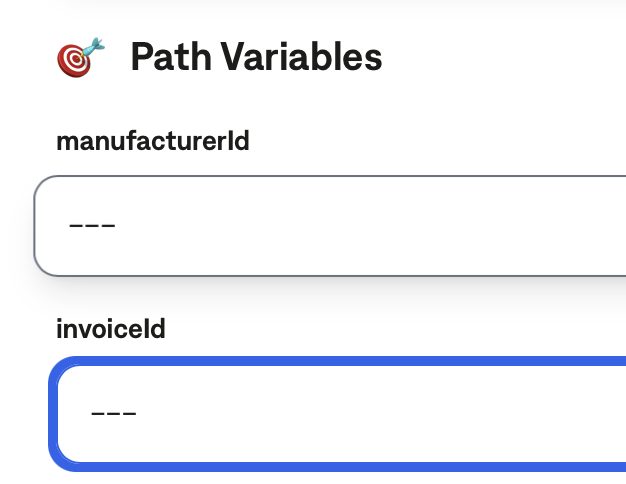
Grab the invoice ID from the Tabs app URL, and paste the invoice and merchant IDs into Garage.
When you click run, your response should show a QBO ID and a valid response